
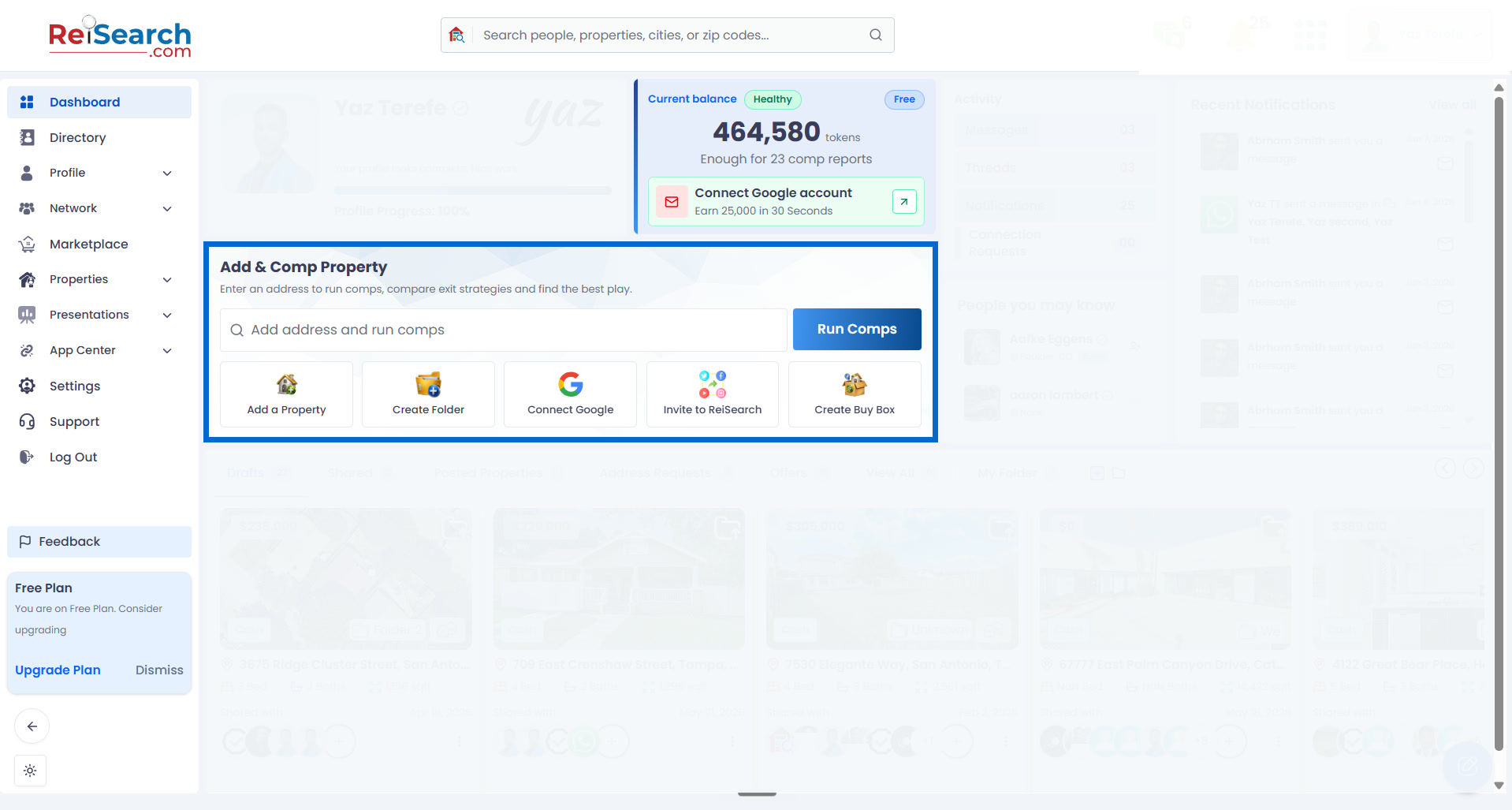
ReiSearch turns a property address into a working record for the deal. The Dashboard keeps the entry point visible, while the property workspace brings together the information and tools used after the record is created.
Start from the Dashboard
Use Add & Comp Property when you want one automated flow to create the property, gather available information and images, populate the workspace, and start comparable-property analysis.
Use Dashboard → Properties → Add Property when you want to create and enrich the property workspace without automatically running comps. You can start analysis later from inside the workspace.
Follow the complete dashboard-first tutorial.