
Open any conversation to start sending. The message box at the bottom is where you write, add emojis, and attach photos or files.
Write and send a message
Type your message in the box and press Enter (or tap the send button) to send it. Use Shift + Enter to add a new line without sending.
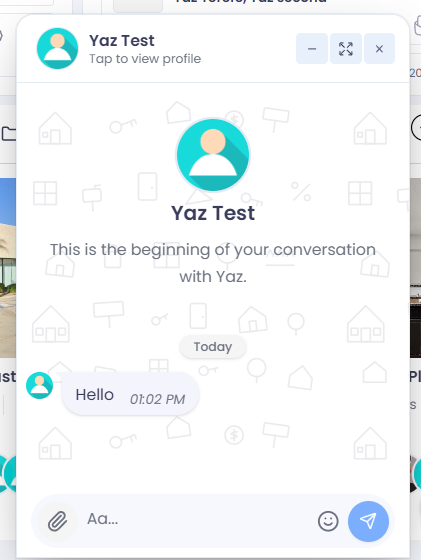
The message box sits at the bottom of every conversation.
Add emojis
Click the emoji button in the message box to open the picker, then choose an emoji to drop it into your message.
Send photos and files
Click the attach button (the paperclip) to send photos or documents. Pick your files and they upload as the message sends — you’ll see each one’s progress. Photos arrive as a gallery the other person can tap to view full‑screen; other files arrive as downloadable cards.
Send several at once: You can attach more than one file to a single message — handy for sharing a set of photos or documents together.