
You can start three kinds of conversations in ReiSearch: a direct message with one person, a group chat with several people, or a property thread tied to a specific property. They all begin the same way — from the new‑message button in your inbox.
Open the new-conversation menu
Open your inbox and click the new‑message button (the blue pencil) next to the search box. A short menu asks what you’d like to start:
- Start New Chat — a direct message or a group chat with people in your network.
- Start Property Thread — a conversation attached to a specific property.
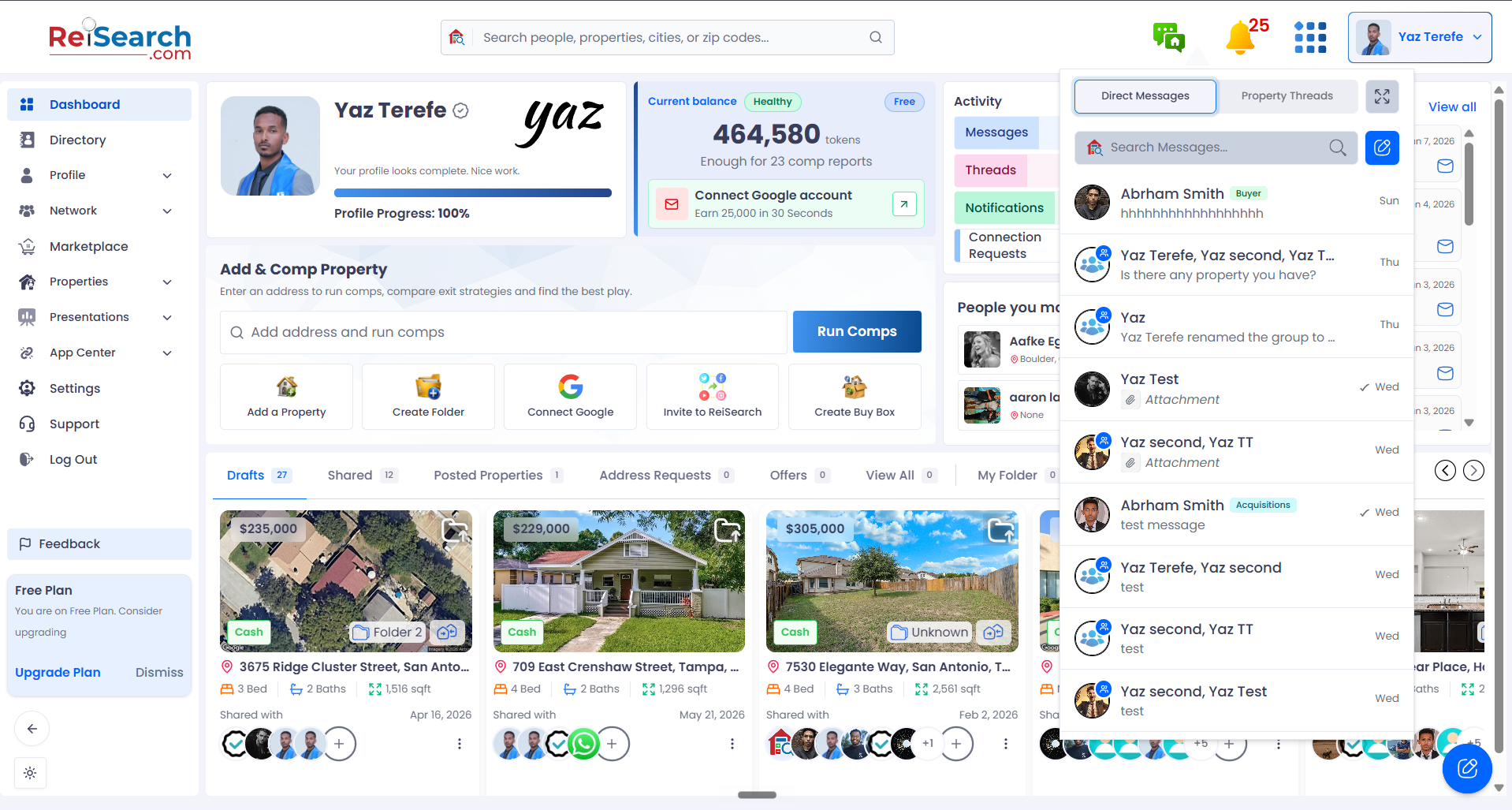
Click the new-message button
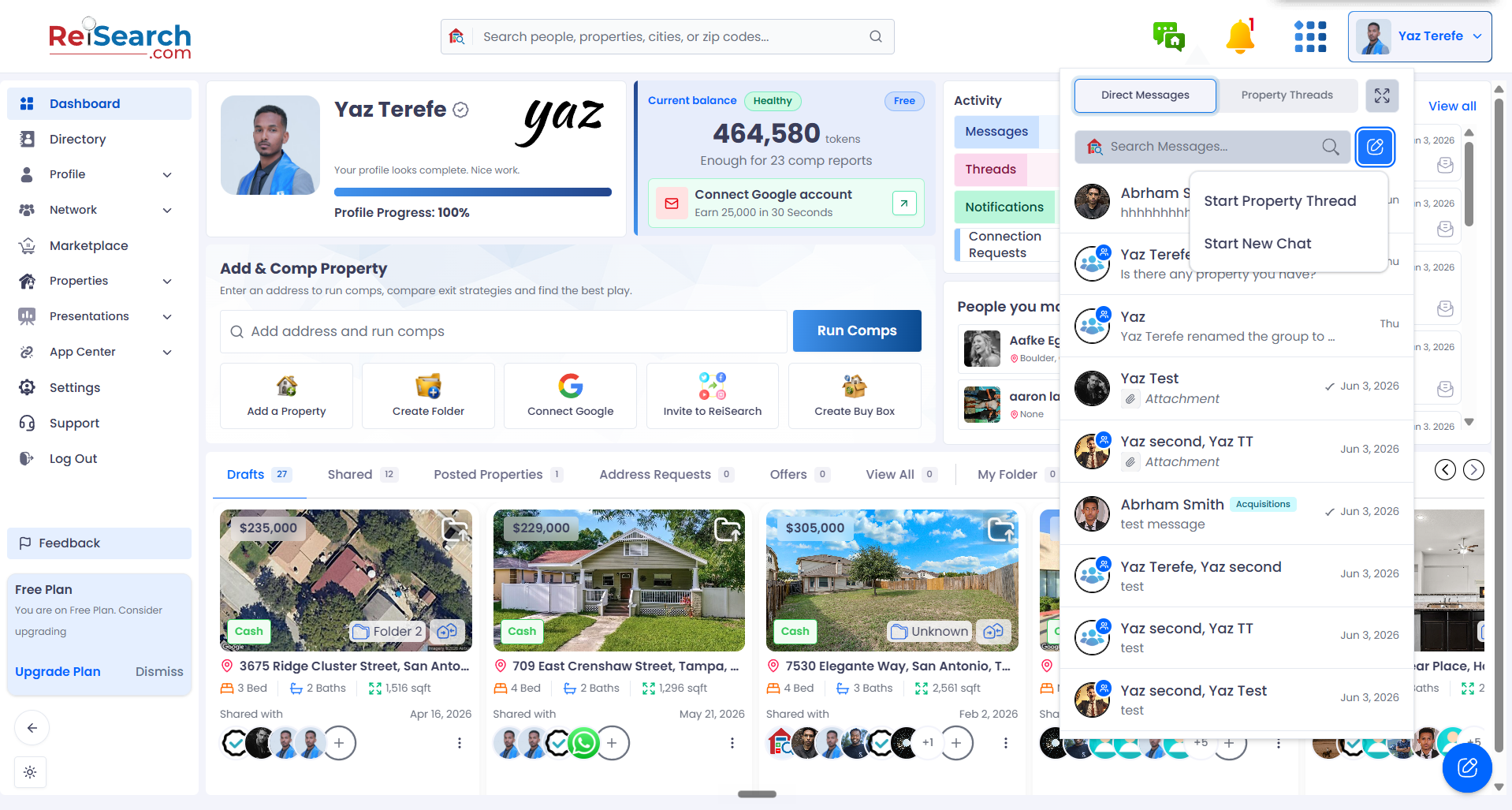
“New Chat” = 1:1 or group · “Property Thread” = a property
Start a direct message
Choose Start New Chat. In the compose window, search a contact by name and select one person. Type your first message and send it — that creates the conversation. If you’ve messaged this person before, your earlier history appears right away.
This menu starts a new conversation
Start New Chat — a 1:1 or group chat
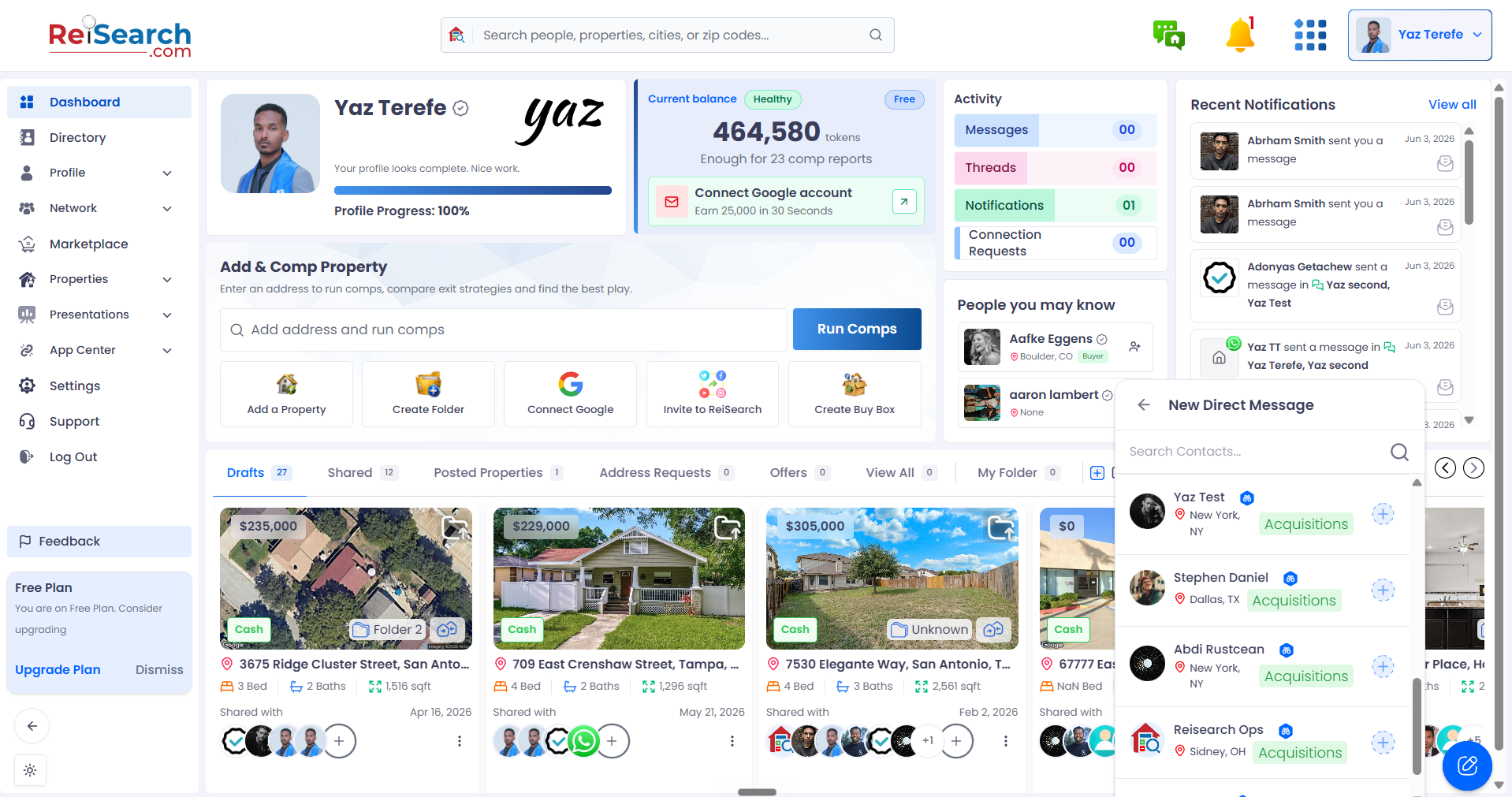
Your contacts appear here
Search for a person…
…or click someone in the list
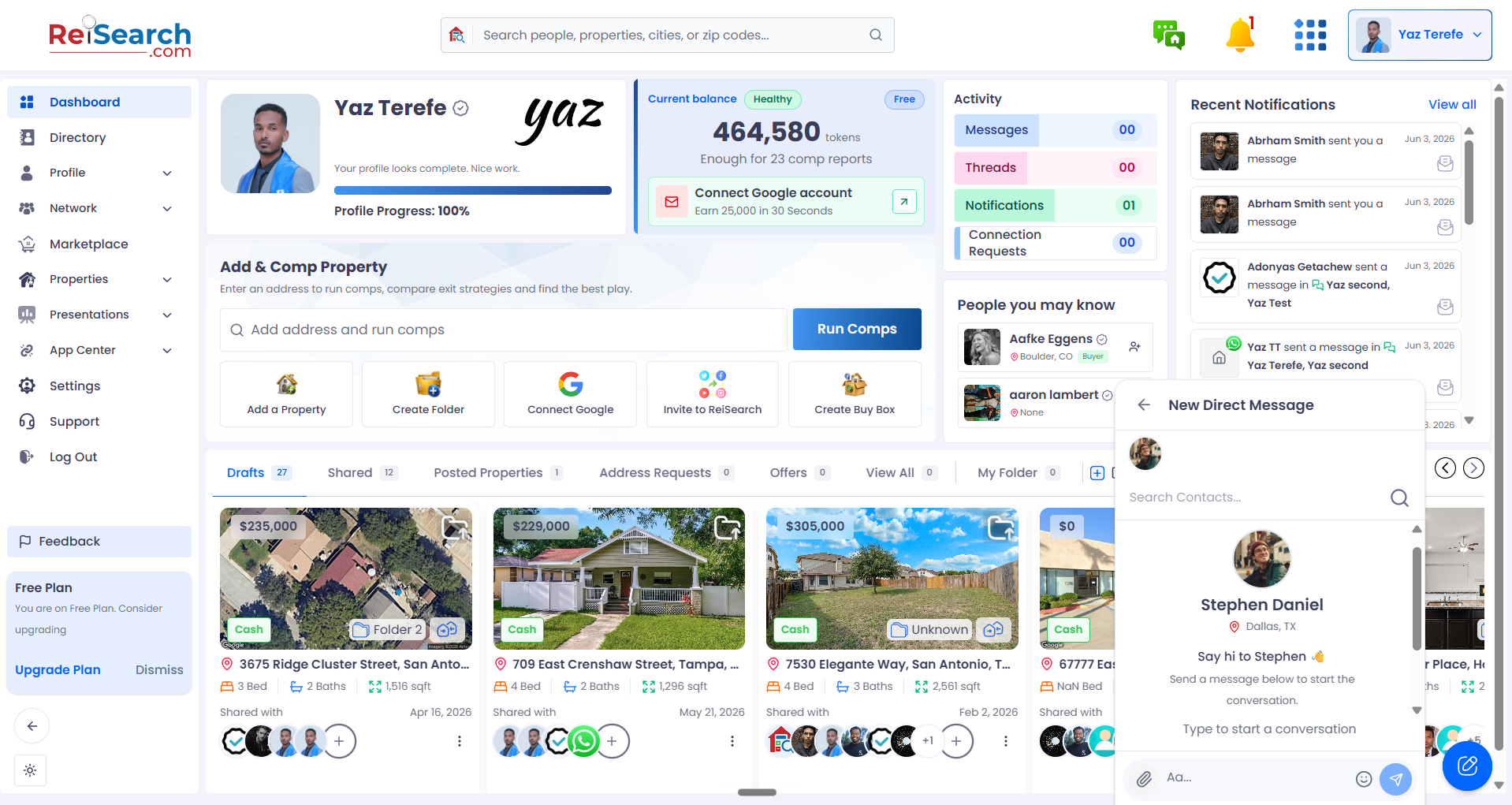
Stephen is selected — now start the conversation
Send your first message to start
Start a group chat
From the same Start New Chat flow, select two or more people — the conversation becomes a group. A group name is created automatically from the members; you can rename it or add a group photo before you send. Your first message creates the group.
Groups start the same way — New Chat
Pick your first person
To make a group, search for another person — then pick them
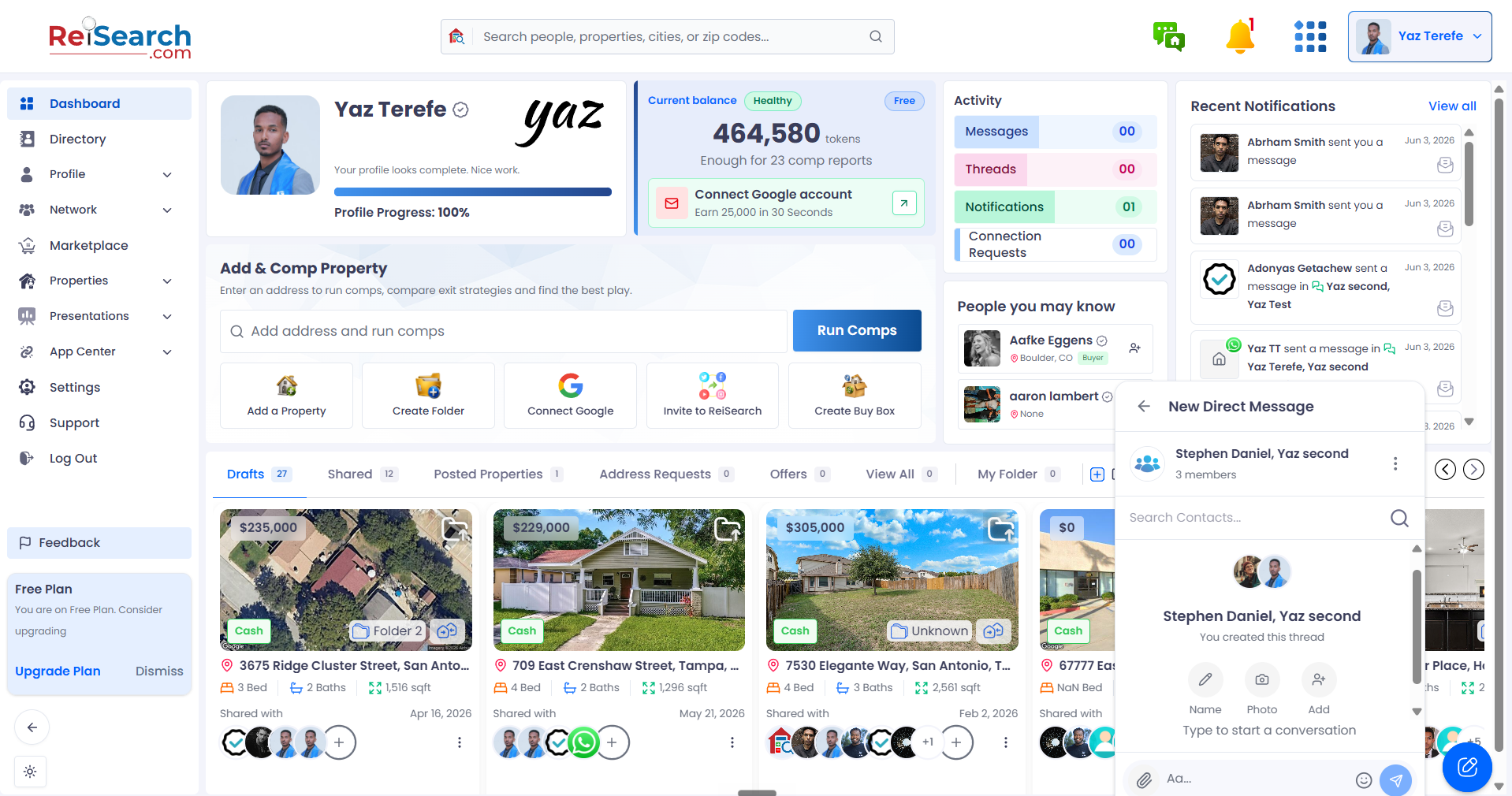
Your new group preview
Members and the group name
Rename it, add a photo, or add more people
Send the first message to create the group
Start a property thread
Choose Start Property Thread. First pick the property — search for it or choose from your suggested properties. Then add the people you want in the thread, optionally rename it or set a photo, and send your first message. The conversation stays linked to that property.
For a property, choose Start Property Thread
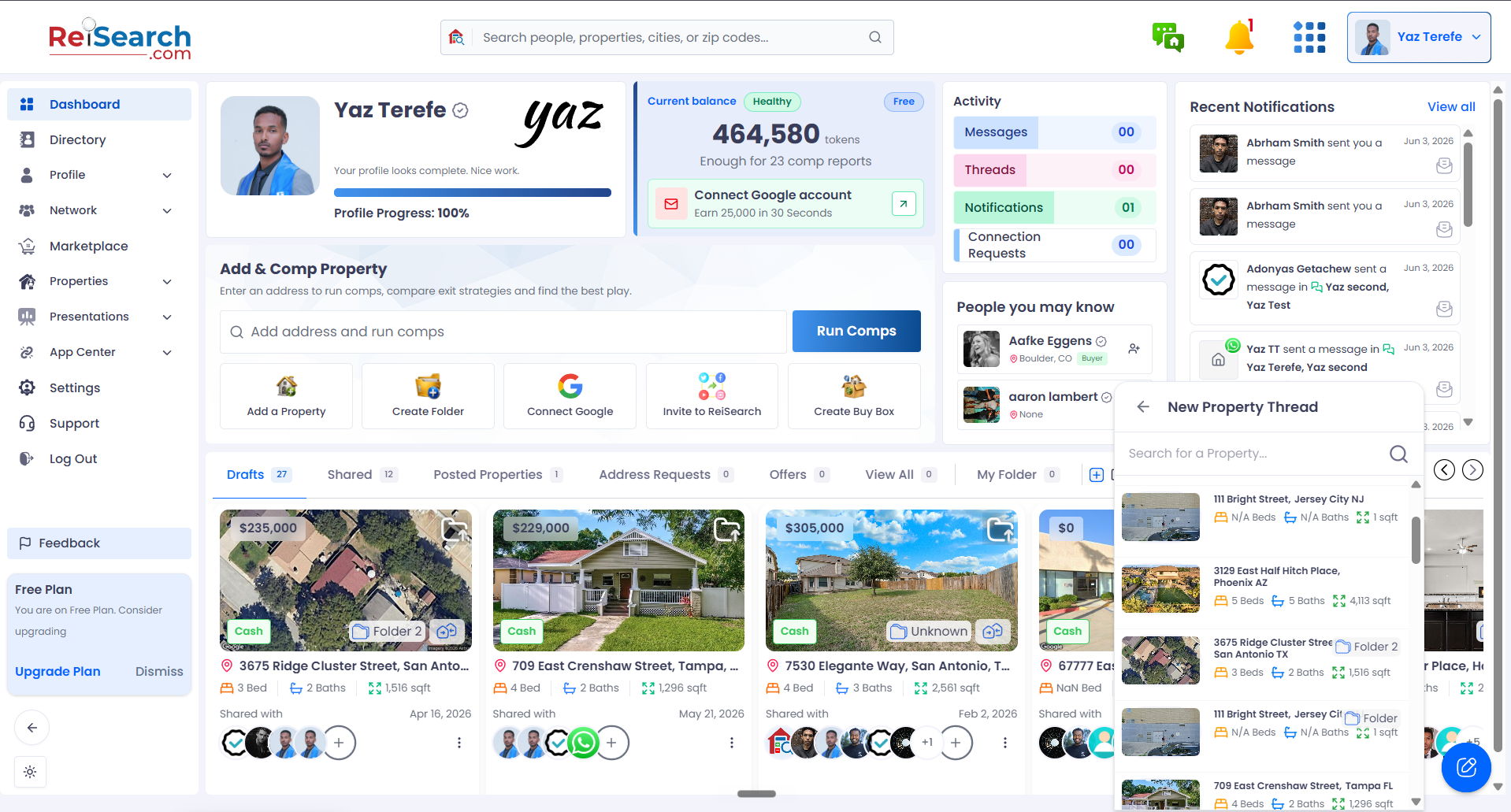
First, find the property
Search or pick the property this thread is about
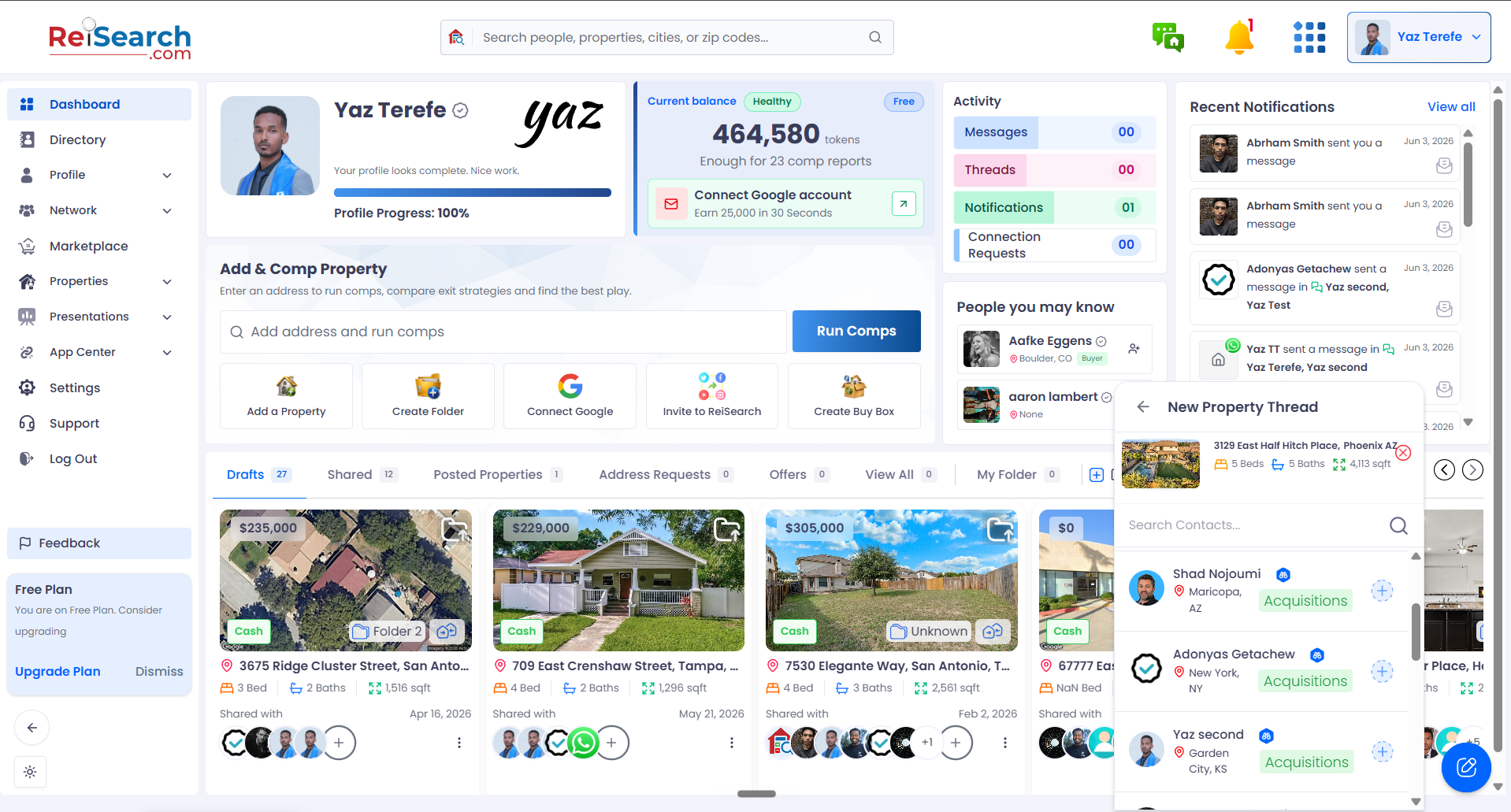
Now add the people for the thread
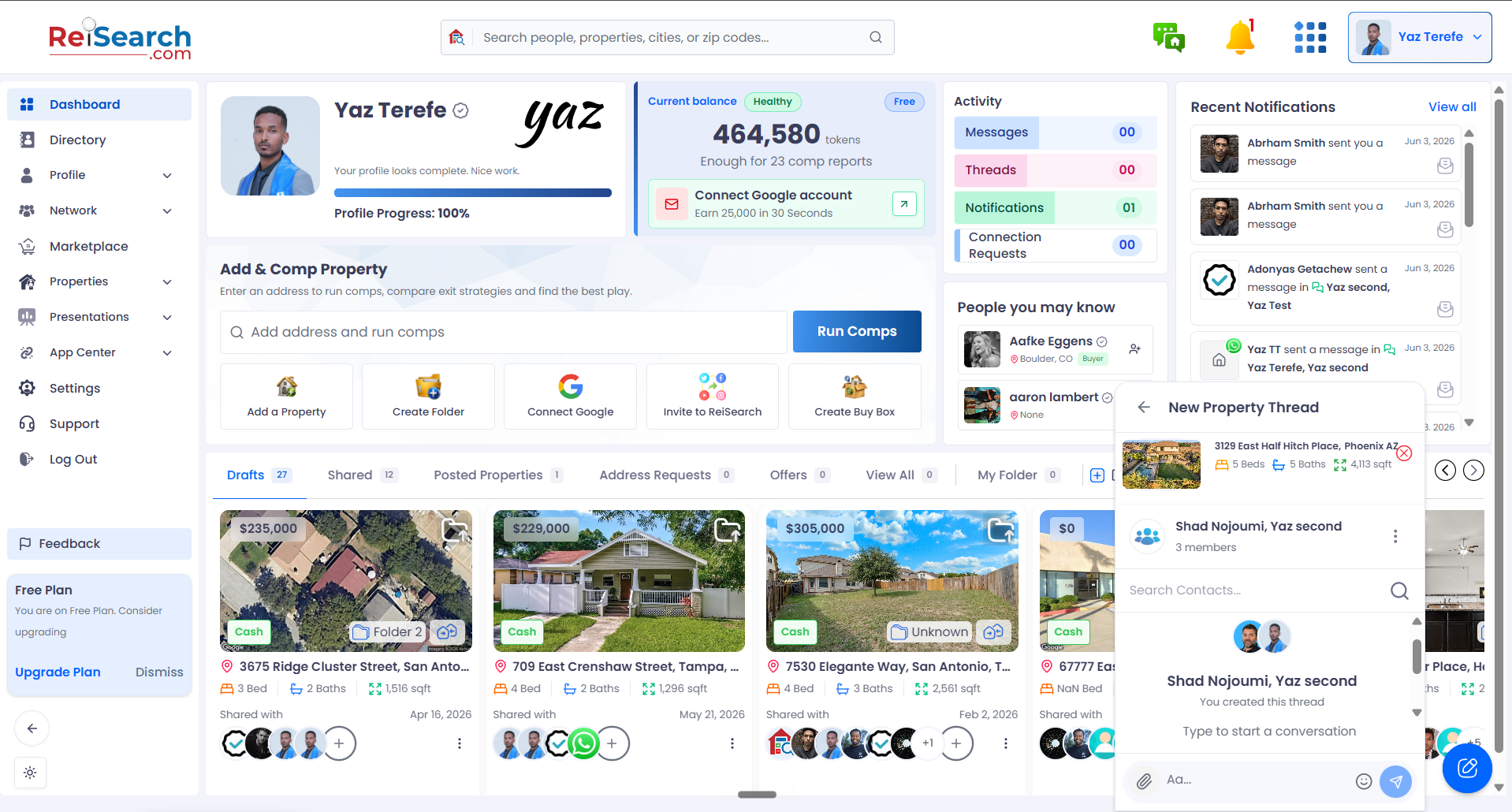
Send the first message to create the thread
Where your new conversation appears: Direct messages and group chats show up under the Direct Messages tab; property threads appear under Property Threads, grouped by property.
Frequently asked questions
What’s the difference between a group chat and a property thread?
A group chat is just a conversation between people. A property thread is also a group, but it’s attached to a specific property so the discussion stays tied to that deal.
Can I add more people after I start a chat?
Yes — group chats and property threads let you add members later. See Managing a group for the steps.
Do I have to send a message to create the conversation?
Yes. Selecting people sets things up, and sending your first message is what actually creates the conversation.