
You decide which notifications reach you and how often — separately for email and SMS. (The in‑app bell always shows everything; these settings control the email and text messages you receive.)
Open notification settings
Go to Settings → Notifications (at /settings/notifications). You’ll see your notification types grouped into sections, each with an Email and an SMS frequency you can set.
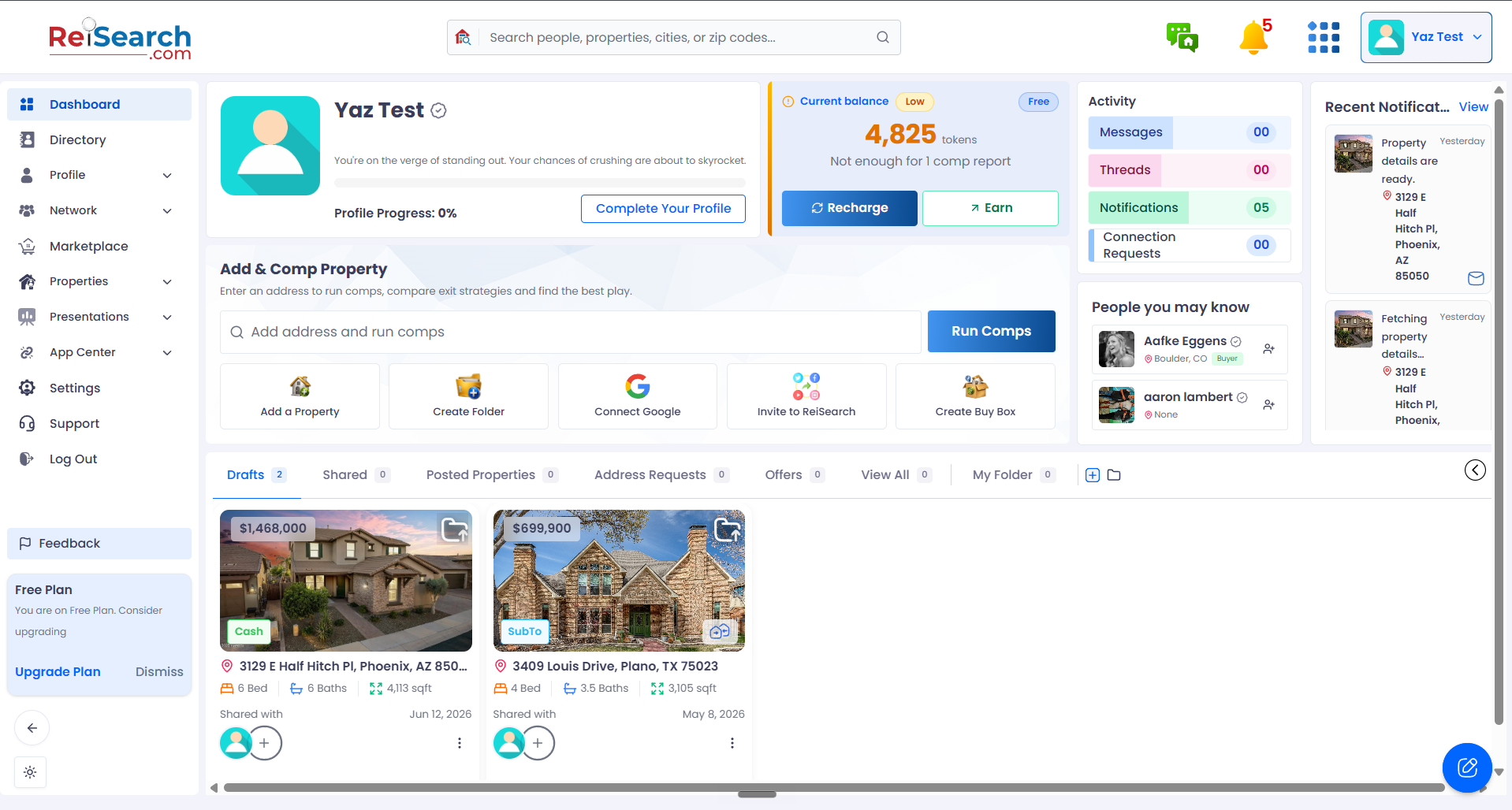
Open Settings
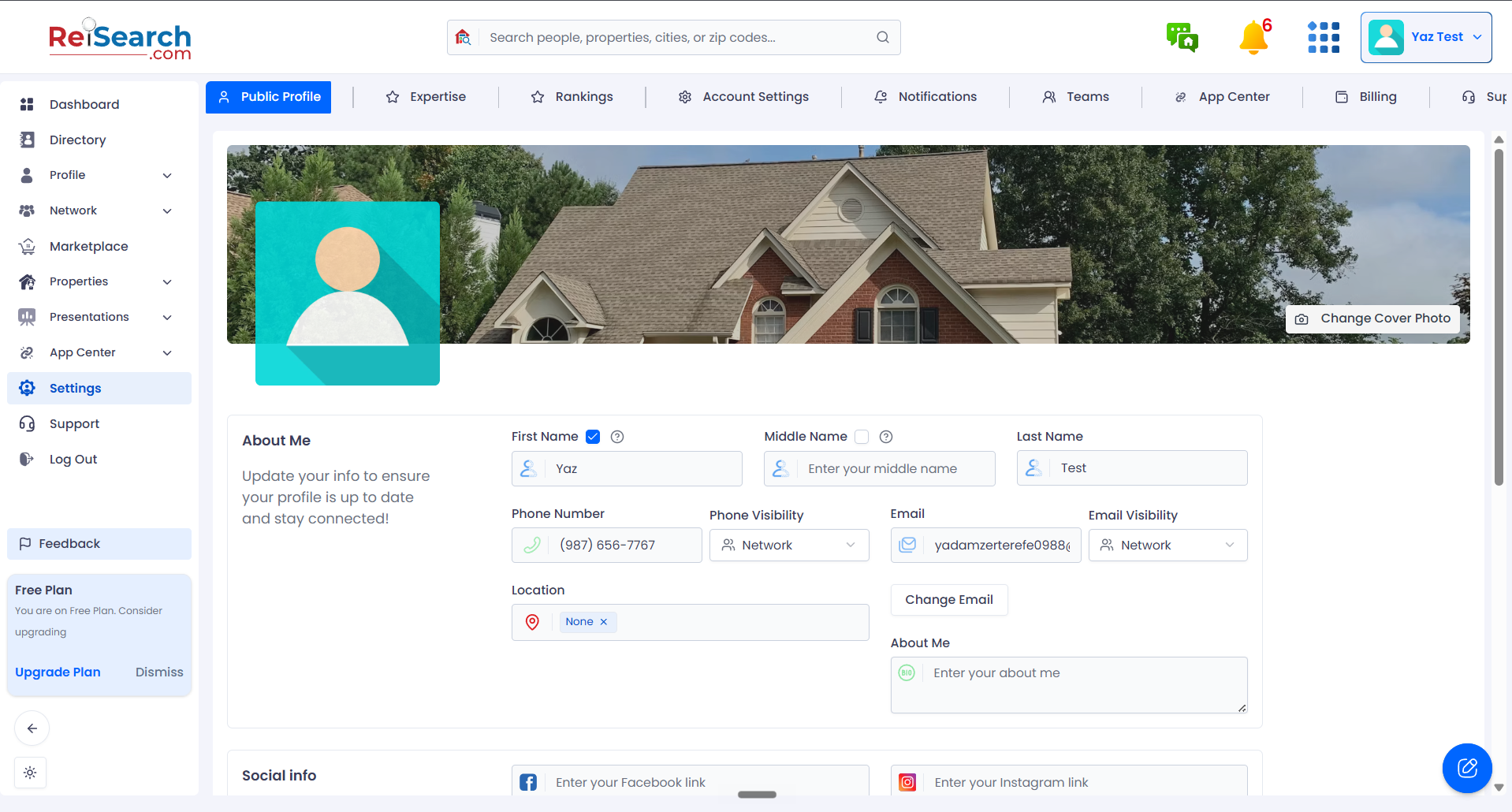
Open the Notifications tab
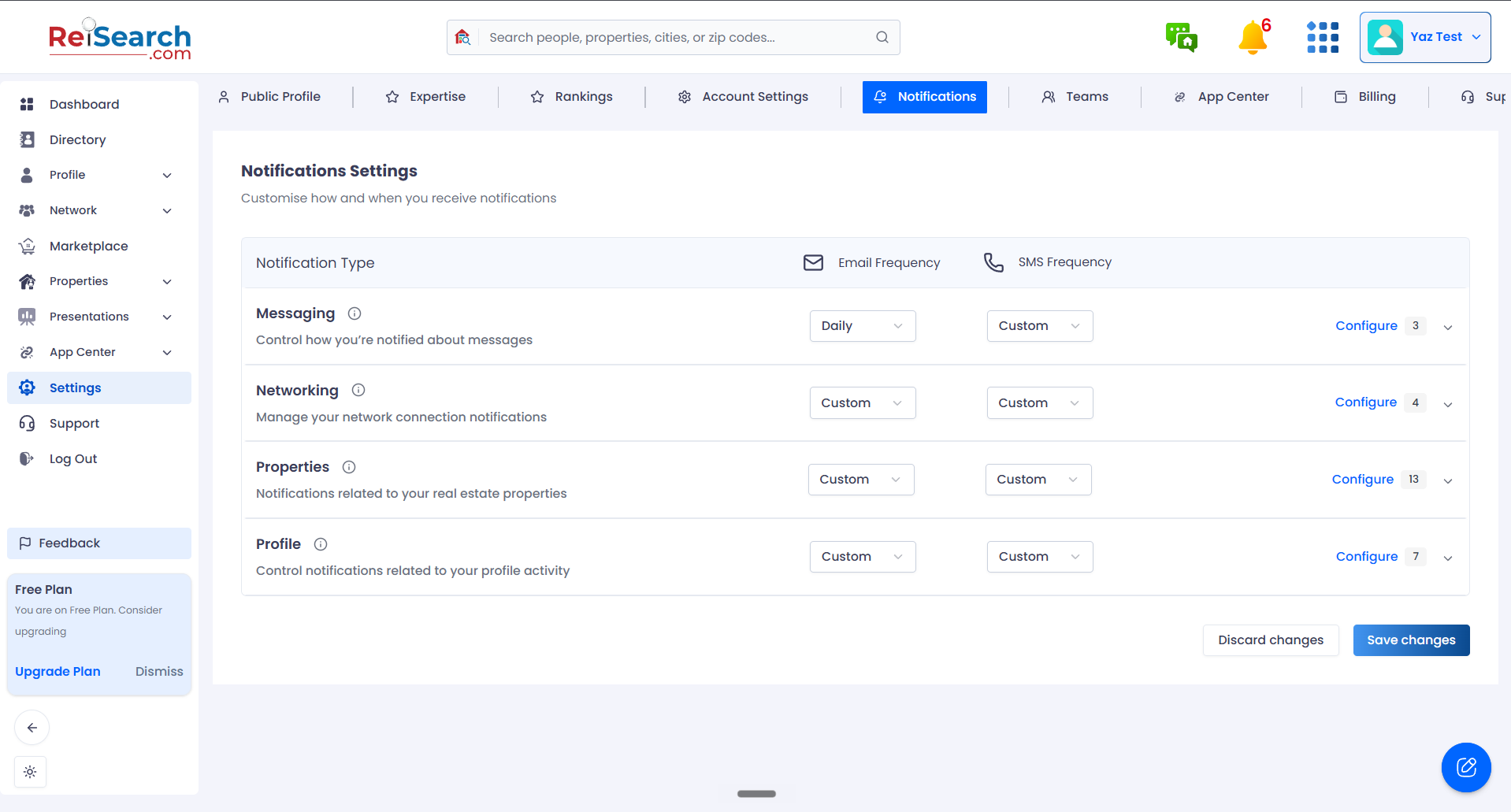
Choose what you’re notified about, and how
Set Email & SMS frequency per category
Configure — fine-tune each notification in a category
Save your changes
Choose how often
For each type, pick a frequency per channel — from Off (never) to Instant, batched intervals (every 5 / 15 / 30 minutes, 1 / 2 / 4 / 8 hours), or a Daily or Weekly digest. Set a channel to Off to stop those emails or texts entirely. You can also set a frequency at the section level to apply it to everything in that group at once.
What you can tune
Settings are grouped so you can dial in what matters:
- Messaging — direct, group, and property‑thread messages.
- Networking — connection requests, accepted connections, partner/JV requests, team activity.
- Properties — property updates, offers, price changes, address requests, shares, and more.
- Profile — profile updates, logins, badges, milestones, profile views.
Remember to save: After changing your preferences, click Save to apply them — or Discard to undo your changes.