
When someone opens your share link, they get a clean, read-only viewer — marked with a “Read Only” badge. Here’s what they can do.
Unlocking
If the link is password-protected, the viewer sees “This presentation is password protected” and enters the password to Unlock it.
Getting around
- On desktop: a slide thumbnail sidebar plus a floating Previous / Next control with the slide count.
- On mobile: slides stack vertically — scroll through them, or tap a thumbnail in the strip at the bottom.
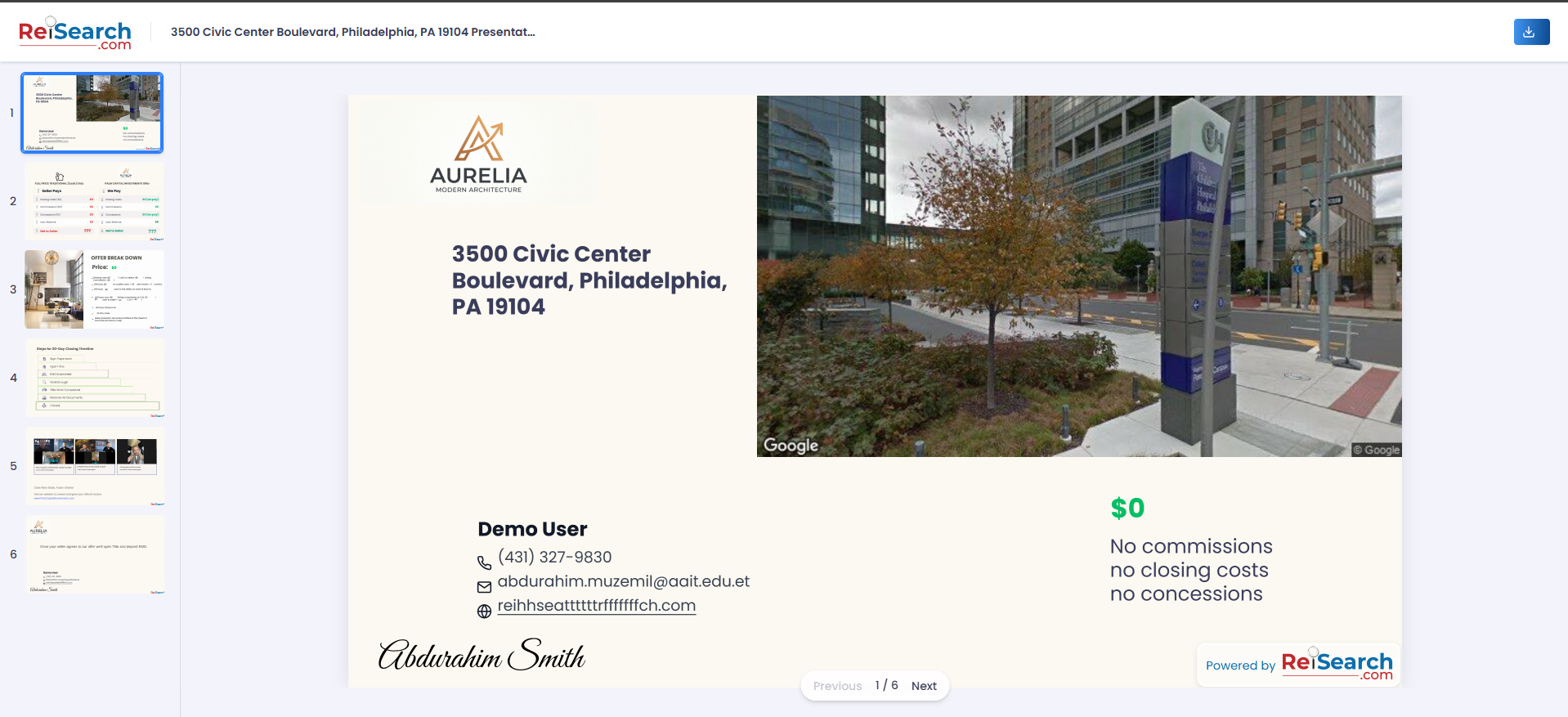
The read-only viewer recipients see.
Download & personalize
- Anyone can use Download PDF to save a copy.
- Logged-in viewers see a “Personalize with my info” checkbox that fills bound fields with their own details.
Note: Recipients only see the street address if you left it visible — see Address privacy.