

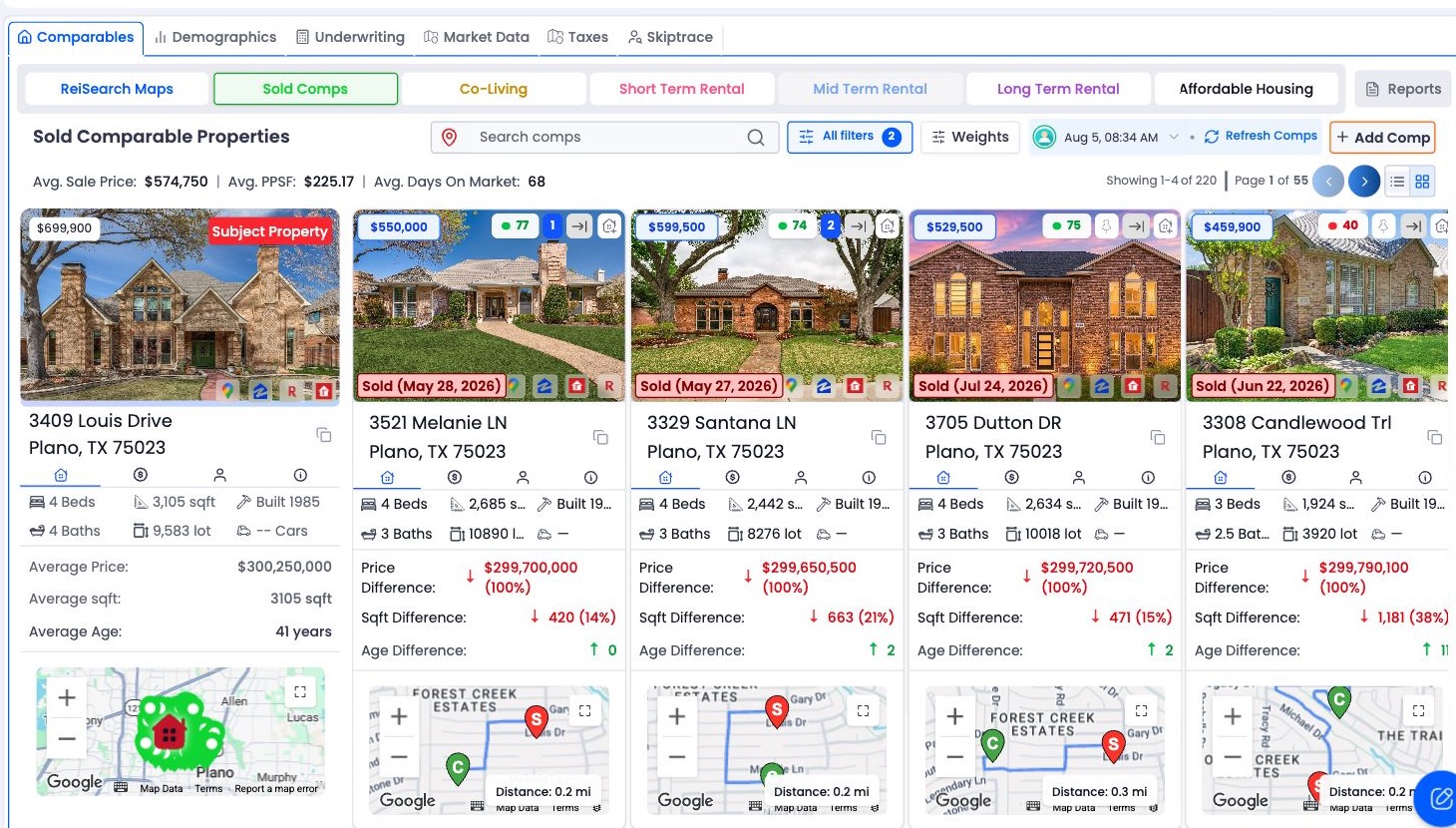
Open the subject property
Go to Properties and open the property you want to analyze. The open property is the subject property—the reference point ReiSearch uses when comparing location and property characteristics.
Check the subject information before running comps. Incomplete or incorrect location, size, bedroom, bathroom, or year-built information can make the returned comparison set less useful.
Open the comps workspace
Open the property’s comps section. If the property has never had a comp run, ReiSearch displays the empty state with Run Comps.
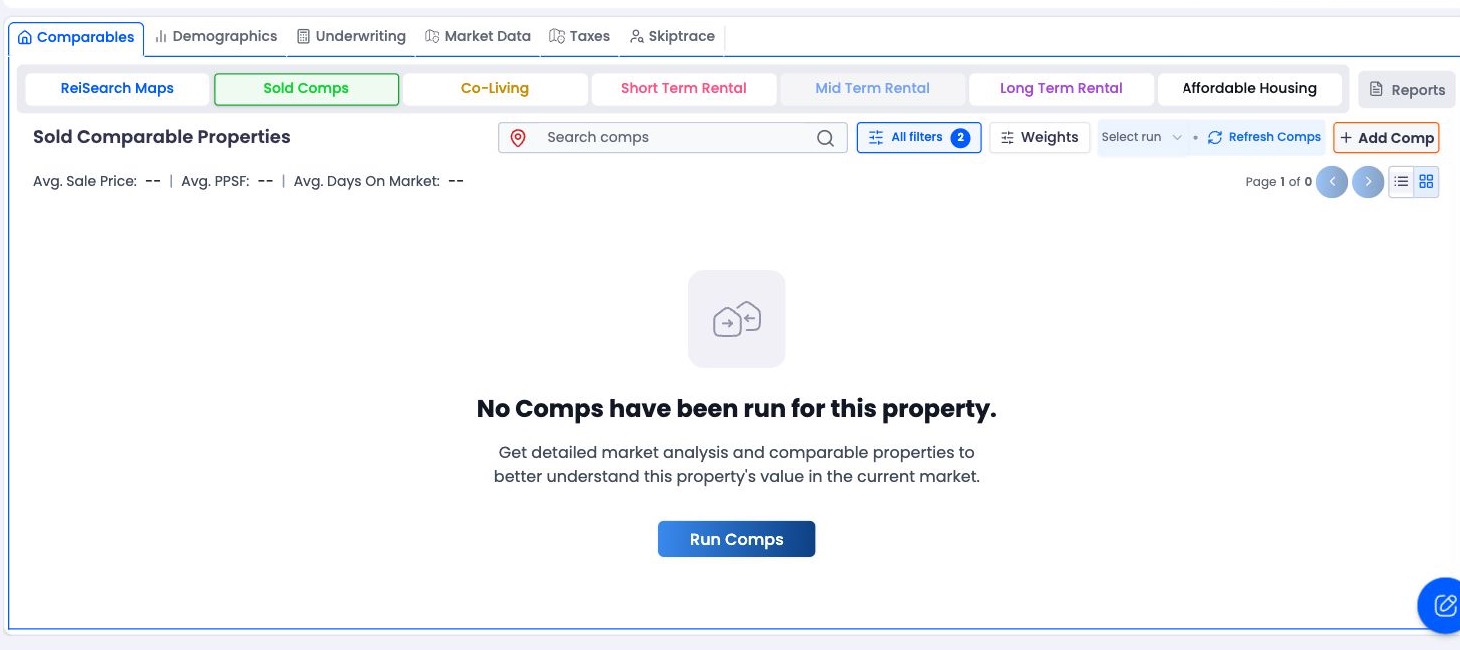
The empty Sold Comps workspace before the property’s first comp run.
Choose a comp type
Select the tab that matches the analysis you are performing: Sold Comps, Co-Living, Short Term Rental, Long Term Rental, or Affordable Housing. ReiSearch Maps is the geographic view rather than a separate comparison type.
Choose the question first: A sold-property comparison and a rental comparison answer different questions. Select the strategy before judging which properties are relevant.
Start the run
Select Run Comps. ReiSearch submits the subject and selected comp type for processing.
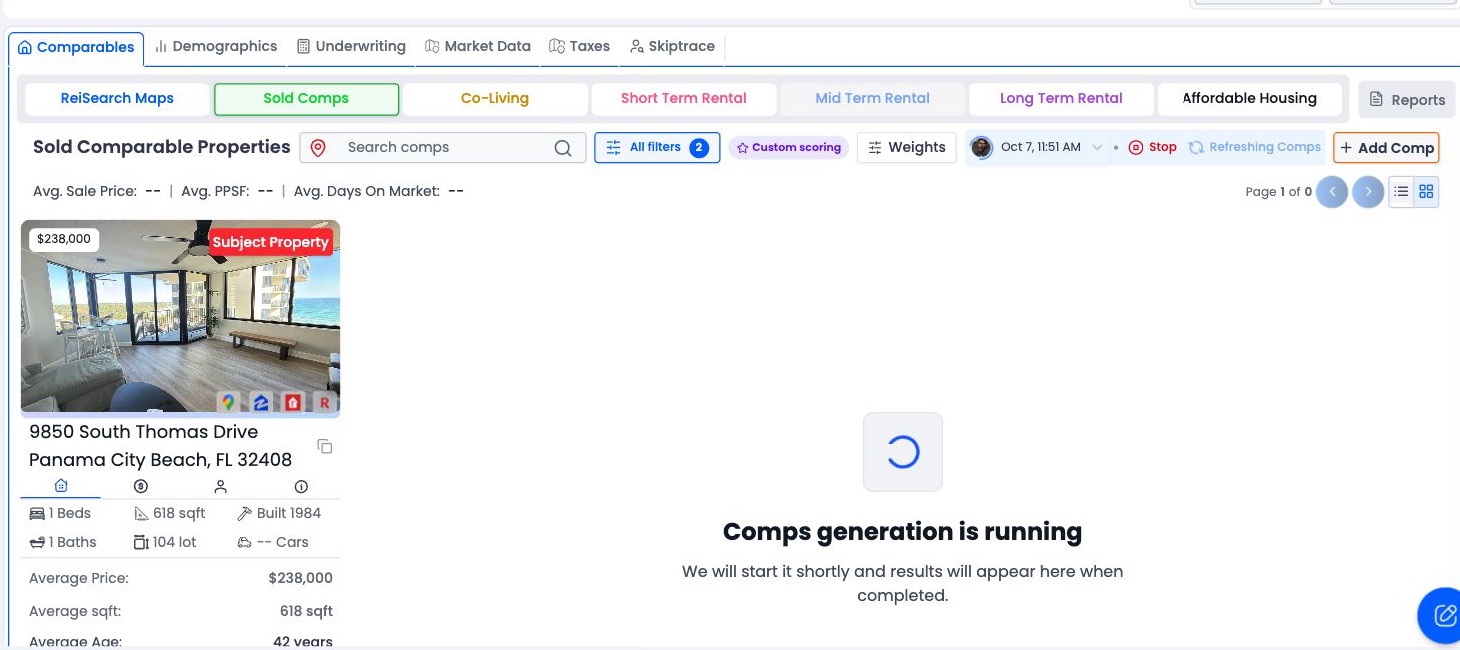
The running state appears while ReiSearch prepares the comparable-property results.
The button and status area can show:
| State | What it means |
|---|---|
| Queued | The request was accepted and is waiting to begin. |
| Running | Comparable-property generation is in progress. |
| Completed | Results are available for the run. |
| Failed | The run did not complete successfully. |
| Cancelling or cancelled | A stop request is being processed or the run has stopped. |
Do not submit the same run repeatedly while the current request is queued or running. ReiSearch blocks duplicate generation attempts for the property.
Wait for results
You can remain in the comps workspace while processing continues. Results appear after the run completes and the workspace refreshes its comp data.
If the request cannot start because the account lacks credits, ReiSearch opens the token-shortage flow. A service error or duplicate-order response is shown separately.
Review the first result set
When results arrive, begin with the subject property and the returned comp count. Then review the result cards or rows before applying filters. This gives you a baseline for understanding what the system found.
Continue with Understand comp results and scores.
When to refresh
Use Refresh Comps when you need a newer run. If a completed run is less than 24 hours old, ReiSearch warns that another run may not change much and lets you keep the current results or refresh anyway.